Everything you need to
organise your world
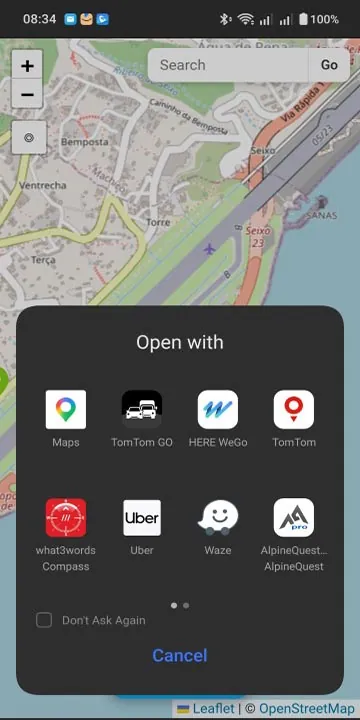
Unlike standard map apps that bury your saved places in one long list, PinPilot gives you a powerful, organised location library.
Drop Pins Anywhere
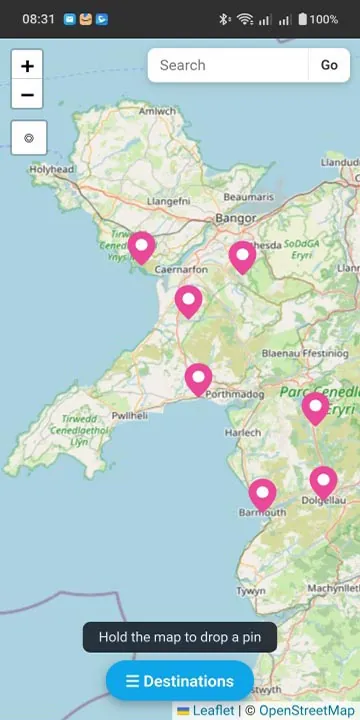
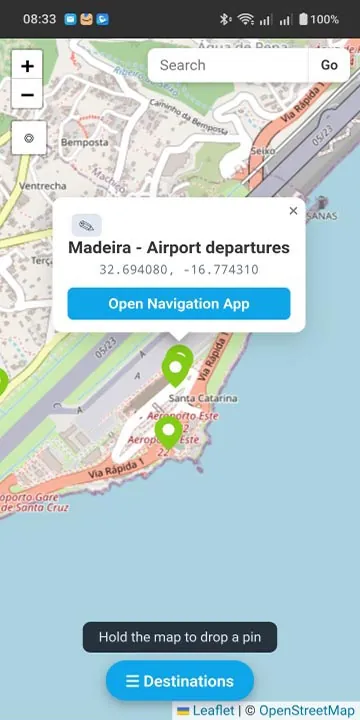
Long-press the map to drop a pin, enter GPS coordinates or an OS grid reference, or search for an address. Add notes, descriptions and website links to every location.
Custom Folders
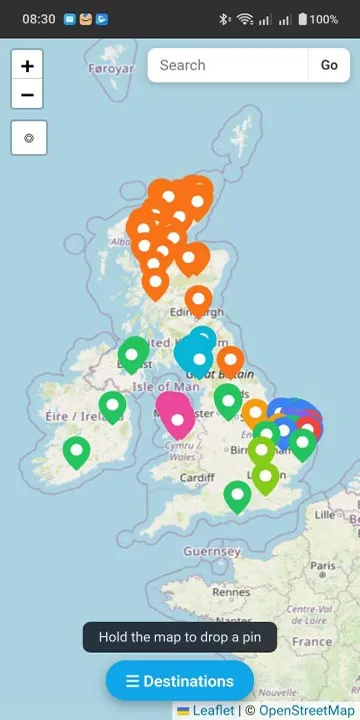
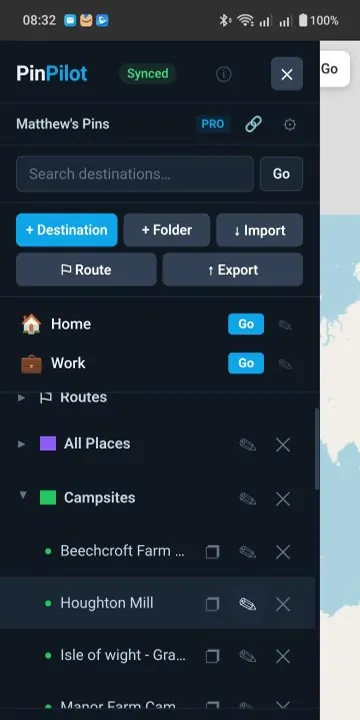
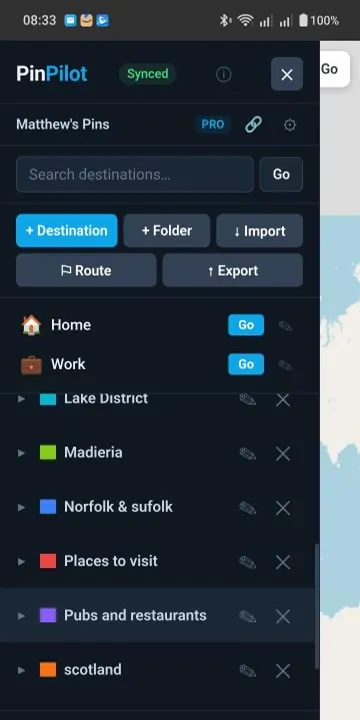
Organise places into folders with 20 pin colours — Pubs, Campsites, Work Sites, Holiday Ideas, Fishing Spots, or any category you like. Show or hide each folder on the map.
Instant Search
Whether you have 20 locations or 2,000, find any saved place instantly. Search across all folders by name or notes.
Route Planning
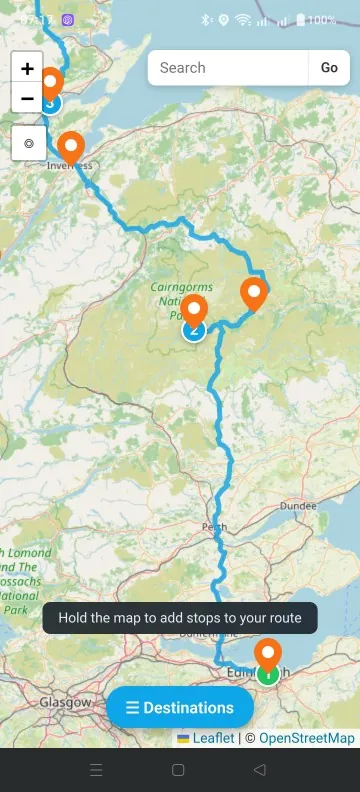
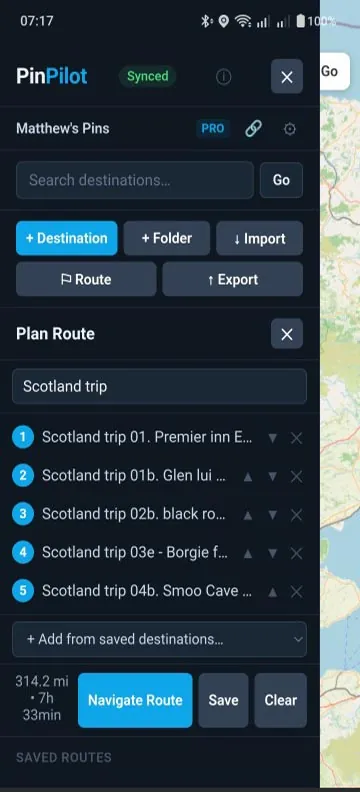
Build multi-stop routes from your saved locations. Reorder stops, see distances and travel times, and save routes for reuse.
Send & ReceiveNEW
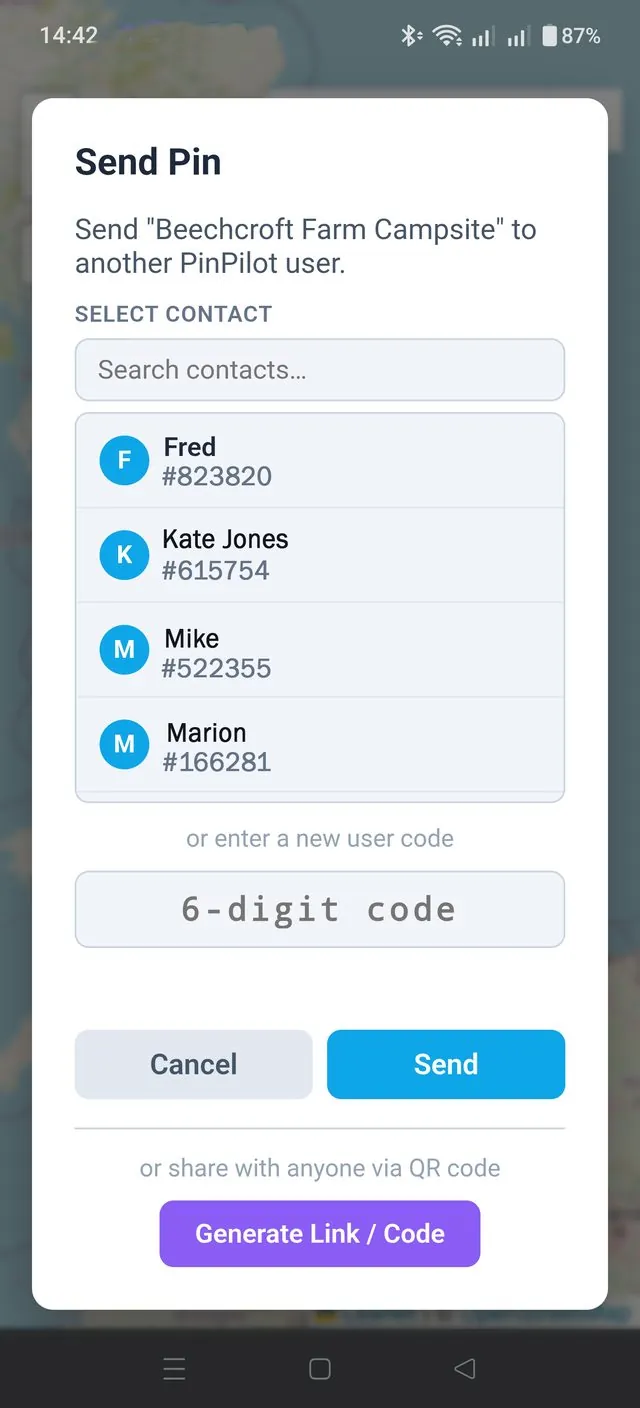
Send a whole folder or a single pin straight to another PinPilot Pro user with their 6-digit code. They get their own copy to keep — contacts are saved automatically and new arrivals pop up in real time.
Share via Link & QRNEW
Generate a link and QR code for any pin and share it by WhatsApp, text or email. It opens in any browser — no app needed.
Highlight PinsNEW
Make a folder's pins pulse on the map so they stand out from the crowd. Highlight as many folders as you like.
Workspace Sharing
Share your locations in real time with family, friends or colleagues. Everyone sees and edits the same workspace live, and you can switch between multiple workspaces.
Paste Google Maps LinksNEW
Found a place on Google Maps? Paste the link — full or short — or a pair of GPS coordinates, and PinPilot flies straight there.
Quick DestinationsNEW
Two one-tap slots at the top of the sidebar for Home and Work — or rename them to Mum's, Office, Marina. Tap Go and you're off.
Import & Export
Import JSON, GeoJSON or Garmin/PocketGPS CSV files. Export as JSON for backups, CSV for spreadsheets, or GPX for other mapping apps.
Works Offline
Your saved pins, folders and routes are always with you — view, add and edit without a signal. Everything syncs when you're back online.